
What this is, and what it isn't
This page covers general ways to check whether a site, link or app claiming to be Winbox is the real thing, the same checks that apply to any brand people try to imitate online. It's not a live detector, and it doesn't claim to have found or ruled out any specific fake.
None of it is specific to Winbox. It's the same handful of habits that make phishing harder to fall for generally, applied to the accounts and downloads this site already covers.
Check the web address itself
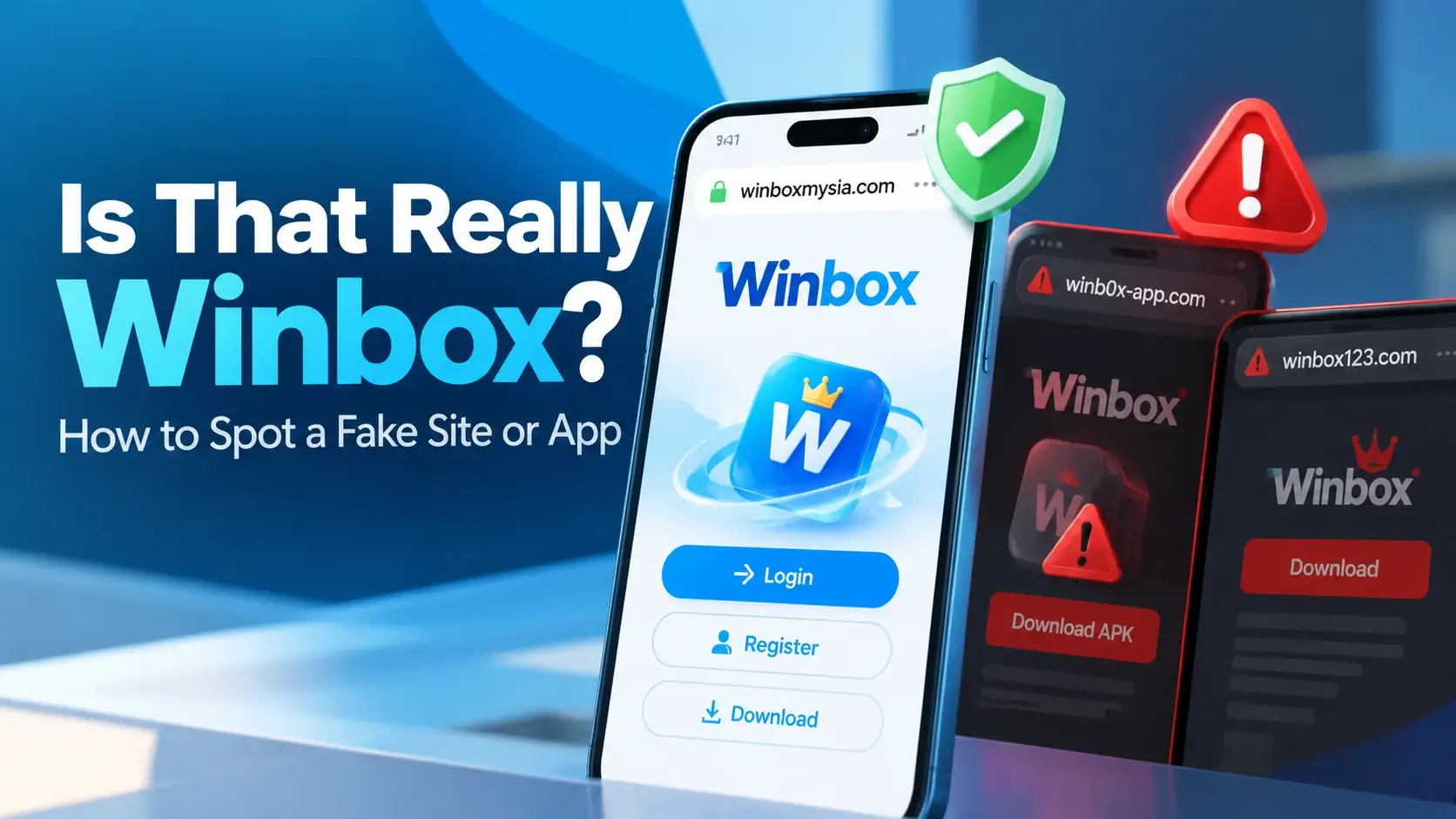
A fake site usually lives at an address that looks close to the real one, not identical. A letter swapped for a similar-looking one, an extra word added, or a different ending are common patterns. None of that shows up unless you actually look at the address bar rather than just the page's design, which is easy to copy.
- If you reached a page through a link in a message or an ad, check the address before you type anything into it.
- Typing an address you already know, instead of clicking a link someone sent you, avoids the question entirely.
- A page that redirects somewhere unexpected, or that doesn't match what a legitimate page usually looks like, is worth stopping on.
Be more careful with contact you didn't ask for
A message, a call, or an ad that reaches out to you first — before you went looking for anything — deserves more scrutiny, not less, even if it uses a familiar name or logo. Legitimate access to an account doesn't usually start with someone else contacting you about it.
This applies to anyone claiming to represent Winbox, and it applies to this site too: nothing on winboxmysia.com will message you first asking for account details.
Nobody legitimate asks for your password or a one-time code
A one-time code exists to prove something to you, not to be handed to someone else. Anyone who contacts you asking to be told a code, or asking for your password directly, isn't acting the way a legitimate service does — that request is the red flag by itself, regardless of who they claim to be.
The same logic applies to apps, not just sites
An installed app can be faked the same way a website can: repackaged from the real one, with something added, and offered from a source that isn't the one you'd normally trust. The Winbox APK download page covers checking the source before you install; a fuller walkthrough of general Android safety checks — permissions, Google Play Protect, what the install screen itself shows you — is in Is the Winbox APK Safe? What to Check Before You Install.
A "modded" or "unlocked" version offered on a forum or a third-party app site is the same pattern as a lookalike web address: something that looks close to the real thing, distributed somewhere other than the source you'd actually trust.
Urgency is a red flag on its own
"Verify now or lose access", "limited time", "respond immediately" — pressure to act fast, before you'd normally stop to check something, is one of the oldest tricks in any kind of scam, not just online ones. It works by making the checks in this article feel like they cost you something.
A message that's genuinely from where it claims to be will still be true five minutes from now, after you've checked the address, or looked up the page yourself instead of clicking through.
What this site is, so you can check that too
winboxmysia.com is an independent information site, not Winbox's own site. The forms shown on the Winbox login page and the register page are the platform's own pages, displayed here — what you type into them goes to the platform, not to this site, and this site itself never asks you for a password or a one-time code anywhere else on it.
If a page claiming to be part of this site asks for something that description doesn't cover, that's a reason to stop and check the address, the same as with any other site.
The two legitimate ways in
There are two genuine ways to reach a Winbox account: the installed Android app, or the browser (H5) route with no install. If you're not sure which suits you, or you've never compared them, Winbox App or Browser (H5)? What's Different and How to Choose covers the difference. Either one is safer to start from a route you already trust — a bookmark, or an address you typed yourself — than from a link someone else sent you.
That's the same idea behind why this article doesn't hand you a single trusted link to click: the point is checking the address yourself, not trusting a link because an article told you to.
Don't have an account yet?
If you're starting from nothing, the same caution applies to registration: a fake registration page can collect the same details a real one would. Winbox registration is the real starting point, reached the same way — typed or bookmarked, not clicked from a message.
If you're not sure something already happened
This site has no access to accounts, balances or transactions, so it can't check, reverse or confirm anything about a specific account — that has to go through the platform directly.
If the question is about this website itself — a page, a link, something that looks wrong here — Getting Help with Winbox: Where to Go for What covers what this site can act on and where the rest belongs.
What this article is based on
The checks here are general, well-known ways to reduce the chance of falling for a fake site, link or app — not something specific this site has verified about any particular address, message or file.
The rules about passwords, one-time codes and checking a destination before entering account details are the same ones already stated on the login and contact pages; this article brings them together rather than restating them differently.
Where to go next
For the rest of what this site covers, from game categories to the deposit and withdrawal tutorials, start from the Winbox MY homepage rather than a link from somewhere else.
Quick questions
How can I tell if a Winbox site is fake?
Check the web address itself, character by character, rather than just how the page looks. A fake usually lives at an address that's close to the real one, not identical, and design is easy to copy.
Someone messaged me asking for my Winbox password. Is that normal?
No. Nobody legitimate needs your password or a one-time code read out to them. Treat any message asking for either as a red flag, regardless of who it claims to be from.
Is a "modded" Winbox APK safe to install?
No. A modified APK has been repackaged and distributed somewhere other than a source you'd normally trust — the same pattern as a lookalike web address, applied to an app instead of a site.
Can this site confirm whether a specific link or message is fake?
No. This site has no way to check a specific address or message in real time. It can only offer the general checks in this article, the same ones that apply to any brand.
What if I think something already happened to my account?
This site has no access to accounts, balances or transactions and can't check or reverse anything — that goes through the platform directly, not through this site.