
What this site is (and isn't) for
This site is an independent guide to Winbox in Malaysia. It explains how things generally work and points you to the platform's own pages for login, registration and downloading. It has no access to accounts, balances or transactions, so it can't act on any of those.
That matters for this article specifically: some of the pages below solve a problem directly (the login page, the register page, the download page). Others just explain where a problem needs to be solved, because this site itself can't solve it.
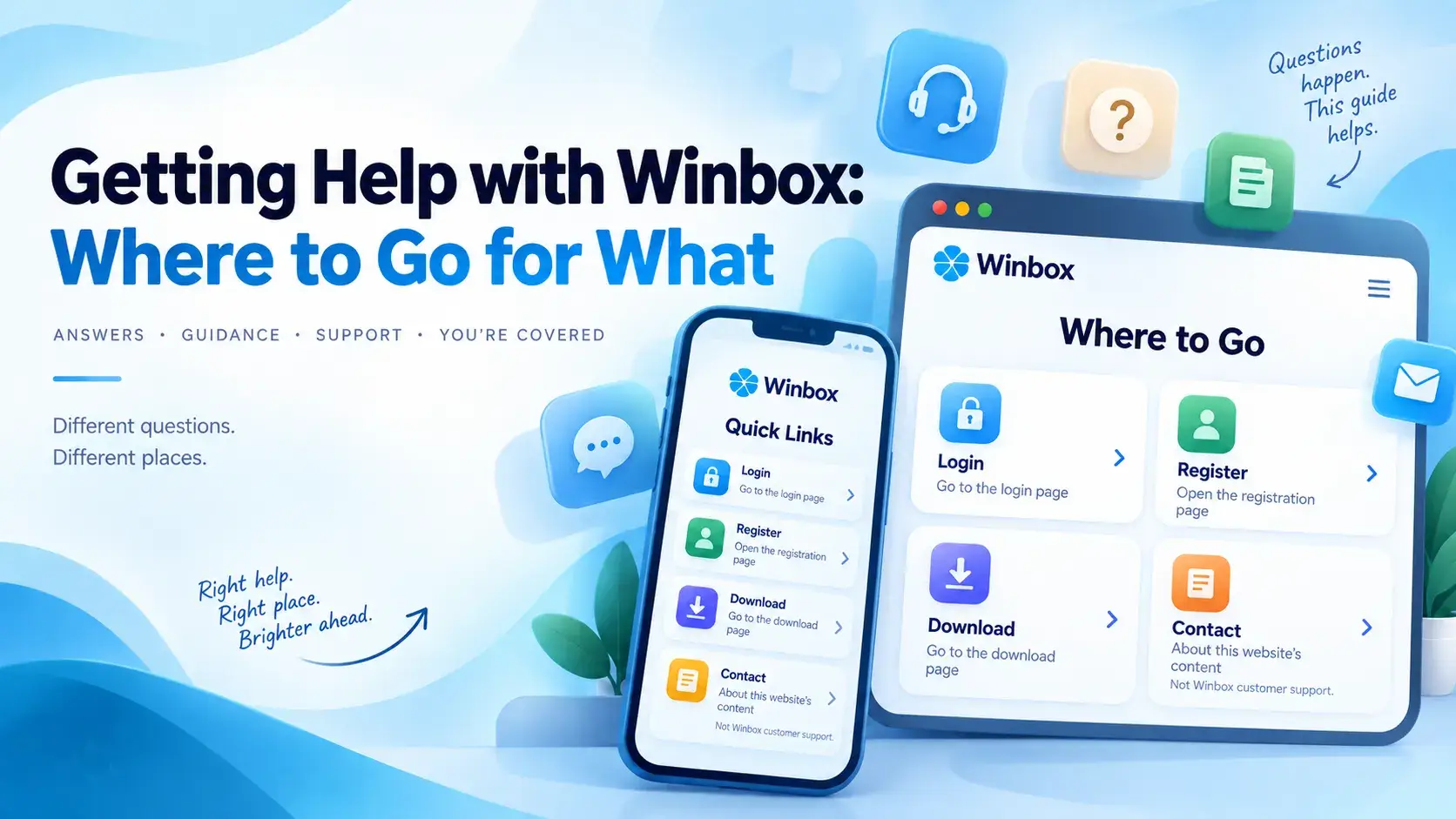
A quick map: where to go for what
| If this is you | Where to go |
|---|---|
| You can't sign in to an account you already have | Login |
| You don't have an account yet | Register |
| The app won't install, or you can't decide app vs browser | Download, or the app-or-browser article |
| A page or link on this website looks wrong | Contact |
| You have a general question about using Winbox | FAQ |
| A deposit, withdrawal or balance looks wrong | The platform directly, not this site |
| You're not sure how much time or money you're spending | Responsible Gaming |
Can't sign in? Start with Login
The Winbox login page covers both ways in — a browser (H5) and the installed app — and groups common problems by symptom: the page won't load, a password gets rejected, the screen keeps refreshing, or something suddenly stopped working the way it used to.
If the problem is a forgotten password specifically, that page says so plainly: this site doesn't manage password resets. That has to go through the platform's own account-recovery process, not through a page here. Treat any other site that offers to "recover" a password for you as untrustworthy by default.
No account yet? Start with Register
If access isn't the issue because there's no account to access yet, Winbox registration is the separate first step. The form on that page is the platform's own, shown inside this site, so the account itself is created on the platform, not by this site.
You don't need to have decided between the app and the browser before you register. Either one signs in to the same account afterwards.
App won't install, or deciding app vs browser? Start with Download
The Winbox APK download page covers installing the Android app: where to get it, what to check before downloading, and a troubleshooting table for the common ways an install goes wrong — the file won't finish downloading, the file won't open, the install is blocked, the app won't open afterwards, or an older version is already there.
If you haven't decided whether you want the app at all, that's a different question, and a separate article covers it: Winbox App or Browser (H5)? What's Different and How to Choose. Short version: the app needs installing and no browser does, and both reach the same account.
Something about this website itself? That's Contact
The contact page is for questions about this website, not Winbox's own customer support: wrong or out-of-date information, a link or page that doesn't work, or just finding your way around. It has one channel, WhatsApp, for messaging the people who maintain this site.
A few details make a message quicker to answer:
- For a broken page or link: the page address, your device and browser, and what happened when you tried it.
- For a correction: the page, the statement you think is wrong, and a source for the right information if you have one.
- For finding something: what you were trying to do, and where you already looked.
What this site can't help with
This site has no access to accounts, balances or transactions, so the contact page can't act on any of the following. They go through the platform directly:
- Account recovery.
- Withdrawals and deposits — the withdrawal tutorial shows the screens involved, but it can't move money or tell you whether a transfer has arrived.
- Account balances.
- Identity verification — the three stages are laid out screen by screen in the real-name authentication tutorial, but this site can't check, approve or speed up a review.
- Reversing a transaction.
Looking for a quick answer instead? Check the FAQ
Before writing in, the Winbox FAQ is worth a look. It's organized by category — account, app, payments, withdrawal, games and more — and every answer is limited to what this site has actually verified. Where it hasn't verified something, the answer says so rather than guessing.
Worried about how much you're playing?
That's not something to write in about either, and it isn't something the contact page can act on. The responsible gaming page has a short self-check and a few ways to set limits before you play, not after.
Three quick scenarios
You forgot your password
Login, not Contact. The login page explains this specifically: a reset has to go through the platform's own account-recovery process, so this site can't do it for you.
You just found this site and want to try Winbox
Register first — that's the step that actually needs doing. Whether you end up on the app or the browser is a separate choice you can make before or after.
A page here looks out of date, or a link doesn't work
Contact, with the page address and what you saw. That's exactly the kind of thing this site can act on.
What this article is based on
Every page pointed to above is a real page on this site, and the scope described for each — what it covers, what it doesn't — comes from that page's own wording, not a guess.
What this article doesn't state: how quickly a message gets answered, what channels the platform itself offers beyond what's described on the pages above, or anything about a specific account. None of that has been verified here.
Where to go next
For everything else this site covers, from game categories to the deposit and withdrawal tutorials, start from the Winbox MY homepage.
Quick questions
Is the contact page Winbox's customer support?
No. This site is independent of Winbox, and the contact page is for questions about this website's own content, links and accuracy. Account, balance and transaction issues go through the platform directly.
Where do I go if I forgot my Winbox password?
The login page, not the contact page. It explains that this site doesn't manage password resets, and that a reset has to go through the platform's own account-recovery process.
How do I create a Winbox account?
Through the register page, which shows the platform's own registration form inside this site. The account is created on the platform, not by this site.
The app won't install. What do I do?
Check the download page's troubleshooting table first. If you're still deciding whether you want the app at all, the app-or-browser article compares the two.
Can this site help me recover money or fix a transaction?
No. Account recovery, deposits, withdrawals, balances and reversing a transaction all go through the platform directly — this site has no access to any of them.