What “app” and “H5” mean
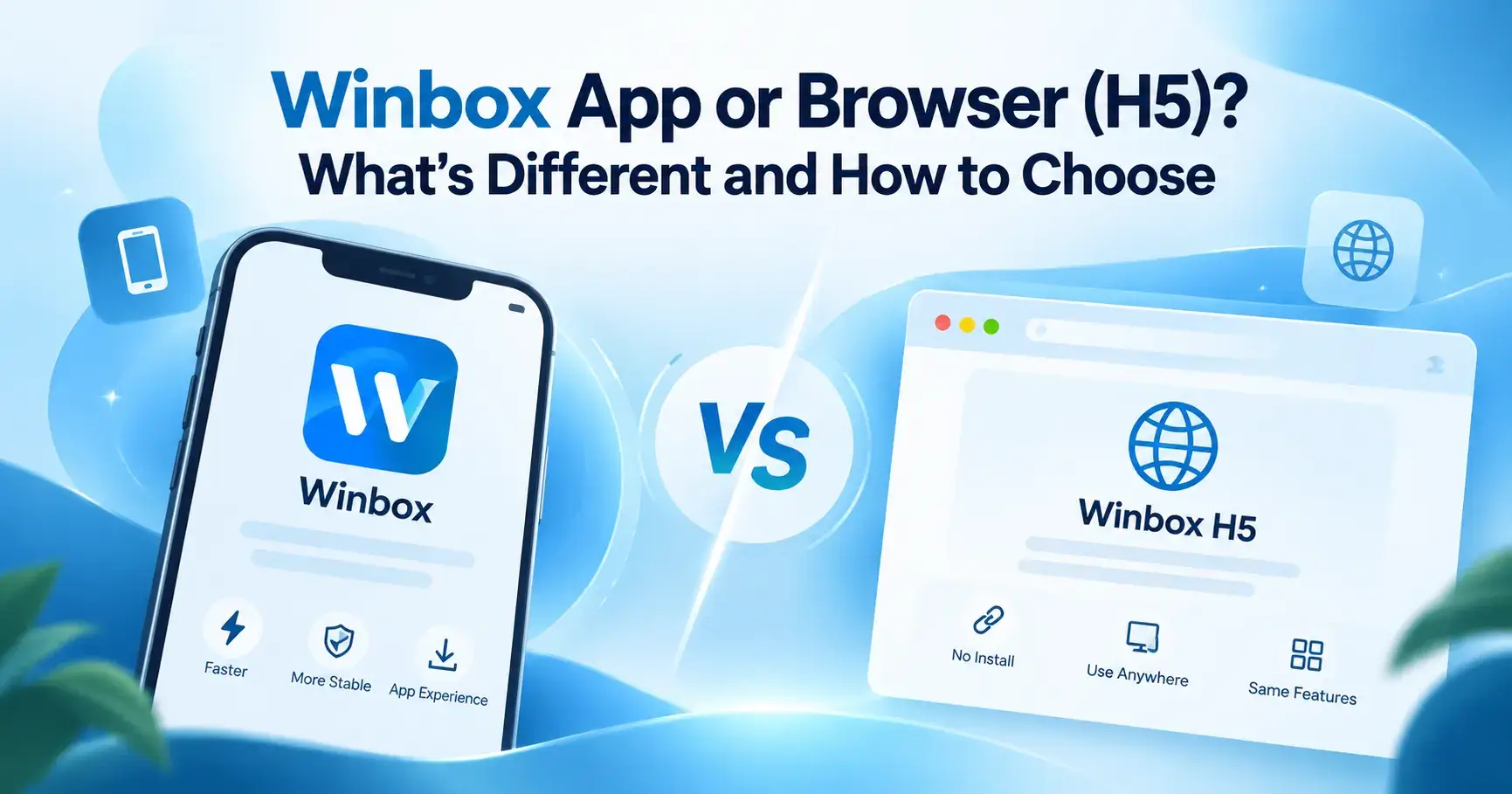
The app is the Winbox Android app. You download an APK file once, install it, and from then on it opens from your phone like any other app.
H5 is the browser version. There is nothing to install. You open Winbox in a phone or computer browser and sign in there.
Neither one creates an account. They are two doors into the same account, and installing the app does not make a new one.
The differences at a glance
| App (Android APK) | Browser (H5) | |
|---|---|---|
| Install | Yes, download and install the APK | No install |
| Where it works | Android, the only app this site has verified | Any browser, on a phone or a computer |
| Speed and stability | Faster and more stable | Depends on your browser and connection |
| Features | The same as the browser | The same as the app |
| Account | Your one Winbox account | Your one Winbox account |
| How you open it | From the app icon on your phone | By opening the H5 address in a browser |
What stays the same
Choosing one does not lock you out of the other. Whichever you use:
- you sign in to the same account with the same login details;
- the features are the same, so you are not giving anything up by picking the browser;
- the same safety habits apply: only use an address or app you already trust.
When the app makes sense
The app is a good fit if you play often on an Android phone and want the faster, more stable option. It is a separate app, so it opens straight from your phone instead of through a browser tab.
Before you install
- The APK is installed from outside an app store, so only use a source you trust. The Winbox APK download page explains where to get it and what to check first.
- Android may ask you to allow installs from that source. The wording of that setting is different on different phone brands and versions.
- We have not confirmed the minimum Android version, the file size or the current version number, so we don't quote them. Check what your phone shows when you install.
When the browser (H5) is easier
Pick the browser if you don't want to install anything, if your phone can't install the APK, or if you would rather keep the space on your phone. It also works on a computer, because any browser will do.
It is the simplest way to try Winbox first. If you already have an account, H5 Winbox login opens the browser route and you sign in the way you normally do.
- Bookmark the address you trust and use that each time, instead of links from messages or ads.
- Keep your browser up to date, and reload the page if it doesn't load.
How to choose
Find the line that sounds like you.
| If this is you | Pick |
|---|---|
| You play often on an Android phone | The app |
| You want to try Winbox before installing anything | The browser (H5) |
| You use an iPhone or a computer | The browser (H5) |
| Your phone is short on space, or you don't want the APK | The browser (H5) |
| You can't decide | Start with the browser. The account is the same if you install the app later. |
Three everyday situations
You play a little every evening on your Android phone
The app is the better fit. You install it once, it opens from the home screen, and you get the faster, more stable option every time.
You only want to look around first
Use the browser. There is nothing to download, nothing to remove afterwards, and the features are the same as in the app.
Your phone is almost full
The browser again. It asks for no install, so it uses none of your phone's space. If you clear some room later, you can still add the app.
New here? Sort the account first
Neither route makes an account for you. If you don't have one yet, create a Winbox account first, then use it in the app or in the browser. Registration is its own step, separate from installing and from logging in.
Staying safe with either one
- Use an address or app you already know. Don't type your details into a page you reached through an unsolicited message, an ad or a pop-up.
- Never share your password or a one-time code with anyone, even someone who says they are support.
- If you use the APK, avoid mirrors and third-party file hosts.
- Set your limits before you play. There is a short self-check on the responsible gaming page.
What we checked and what we didn't
A comparison is only useful if you know where it comes from, so here it is in three lists.
Checked on this site
- The download page covers an Android APK and how installing one generally works.
- The browser (H5) route needs no install and opens the same account.
- Installing the app does not create an account, and registration is separate.
Information supplied to us
- The app is the faster, more stable option.
- The browser version has the same features and can be used from any browser.
Not confirmed
- The minimum Android version, the file size and the current version number.
- An iOS app, or how the browser route behaves on a particular iPhone.
- How much faster the app is. This site publishes no speed tests, and your phone and connection matter too.
If something here looks out of date or wrong, tell us through the contact page and name the sentence.
Where to go next
For the rest of what this site covers, from game categories to top up and withdrawal tutorials, start from the Winbox MY homepage. Questions this article didn't answer may be in the Winbox FAQ.
Quick questions
Is the Winbox app better than the browser?
The app is the faster, more stable option, and the browser needs no install. Both open the same account and have the same features, so which is better depends on your device and how often you play.
Do I need a new account for the app?
No. The app and the browser open the same Winbox account, and installing the app does not create one.
Is there a Winbox app for iPhone?
This site has verified an Android APK only. It has not verified an iOS app, so it gives no iPhone install steps. The browser is the other way in, but it has not been tested on specific iPhone models.
Can I use the browser version on a computer?
Yes. The browser version works in a phone or computer browser and needs no install.
Which one should I start with?
If you want to try Winbox without installing anything, start with the browser. If you play often on an Android phone and want the faster, more stable option, install the app.