
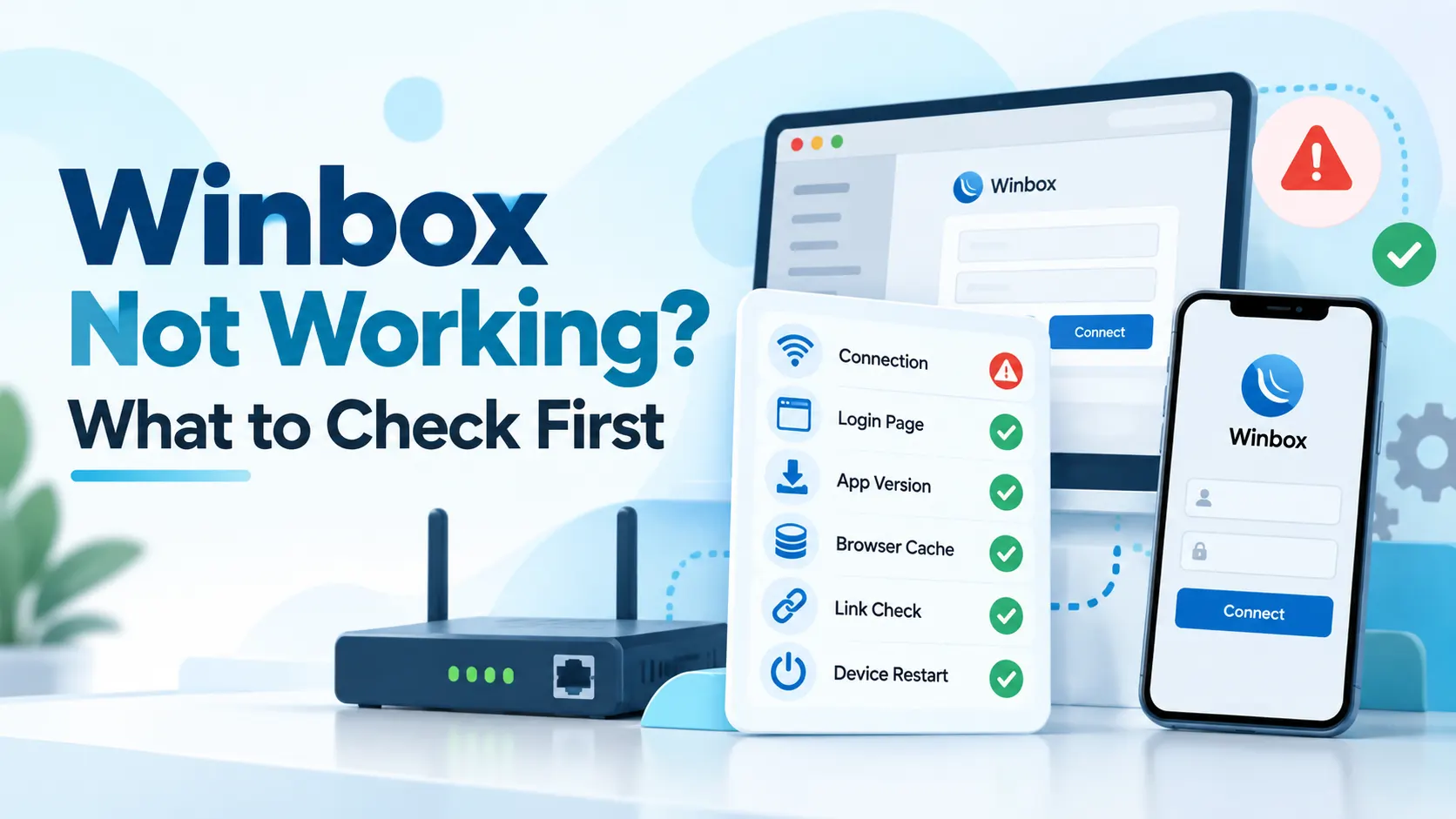
What this checklist is (and isn't)
This site can't see Winbox's servers, so it has no real-time status to report and doesn't publish one. What it can offer is a sensible order to check things in, drawn from the same checks the login and download pages already describe.
Every step below is something you do yourself — reload a page, check a setting, try a different network. None of it is automatic, and none of it can tell you what's happening on Winbox's side.
Don't have an account yet?
This article is about an existing account that won't cooperate. If you haven't created one yet, there's nothing to troubleshoot — Winbox registration is the step that comes first.
The checklist, in order
Work through these roughly in order. Each one takes a minute, and an earlier step often explains a later one.
- Check your own connection.
- Confirm your browser or app is up to date.
- Clear the browser's cache and cookies, or close and reopen the app.
- Try a different network or a different device.
- Notice whether it's the app, the browser, or both.
- Notice the exact symptom — won't load at all, or loads but rejects a password.
What your answer usually points to
| What you noticed | What it usually points to |
|---|---|
| Nothing loads on any site or app, on any device | Your own connection — start there |
| Only Winbox won't load, everything else works fine | Worth working through the checklist below |
| The app fails but the browser works, or the other way round | Compare the two — the app-or-browser article covers this |
| Everything loads, but a password or account won't go through | Likely account-specific — the login page's checks |
| You're trying to install, and that's the part that's stuck | A separate topic — the download page |
Start with your own connection
Before anything else, check whether it's just Winbox or everything. Try loading a different site or app on the same connection. If nothing loads anywhere, the cause is almost certainly local — a weak signal, a router that needs restarting, or mobile data that's run out — and no amount of troubleshooting inside Winbox will fix that.
If other sites and apps load fine and it's only Winbox that doesn't, move on to the rest of the checklist.
Confirm you're up to date, then clear what's stored
An outdated browser or an old app version is a common, boring cause. If you're using a browser, check it's on a current version. If you're using the installed app, confirm you have the latest one rather than an old copy.
If the page loads but keeps refreshing or won't submit, clearing the browser's cache and cookies, or temporarily disabling extensions that block scripts, rules out a few more local causes. On the app, closing it fully and reopening it does something similar.
Notice whether it's the app, the browser, or both
This is one of the more useful things to notice. If the app won't open but the browser works, or the other way round, that on its own tells you something: both reach the same account, so if one works, you're not locked out — you have a way in while you sort out the other.
If you're not sure which one actually suits you, or you've never compared them, Winbox App or Browser (H5)? What's Different and How to Choose covers the difference in more detail.
Stuck on installing, not signing in?
That's a different problem with its own checklist. The Winbox APK download page covers it: a download that won't finish, a file that won't open, an install that's blocked, an app that won't open afterwards, or an older version already sitting on the device.
If it looks account-specific
Everything else loading fine, but a password getting rejected or a page behaving oddly only when you try to sign in, points somewhere different: something about the account or the credentials, not the connection.
The Winbox login page groups these by symptom — a rejected password, a page that keeps refreshing, or access that changed unexpectedly — with checks for each. It also says plainly what it can't diagnose: anything specific to your account has to go through the account or platform directly, not general troubleshooting.
Been through all of this, and it's still not working?
That's when it stops being a self-checklist. Getting Help with Winbox: Where to Go for What covers what this site can and can't act on, and where a message like that actually belongs.
What this checklist is based on
The account-specific checks and the install checks come from this site's own login and download pages. The connection, browser-version and cache steps are general troubleshooting, the same ones that apply to most sites and apps, not something specific this site has verified about Winbox.
What this checklist doesn't do: confirm whether Winbox itself is having a problem, estimate how long anything takes to resolve, or diagnose your specific account. None of that is something this site can see.
Where to go next
Once things are working again, the rest of this site is organized from the Winbox MY homepage — game categories, tutorials, and the FAQ.
Quick questions
Is Winbox down right now?
This site has no way to check Winbox's real-time status, so it doesn't guess. Working through the checklist above narrows down whether the cause is local to your device and connection.
Why does the app work but the browser doesn't, or the other way round?
Both reach the same account, so this is worth noting rather than worrying about — it usually points to something specific to that app or that browser, not the account itself. The app-or-browser article compares the two.
I cleared my cache and it still won't load. What now?
If the connection, browser-version and cache checks don't help, the login page's symptom checks are the next step, and the getting-help article covers what this site can act on from there.
The app won't install. Is that the same problem?
No, that's a separate checklist. The download page covers installing specifically, rather than signing in.
None of this worked. What do I do?
That's exactly what the getting-help article is for — it explains what this site's contact page can and can't act on, and how to write in usefully.