
What this screen is asking for
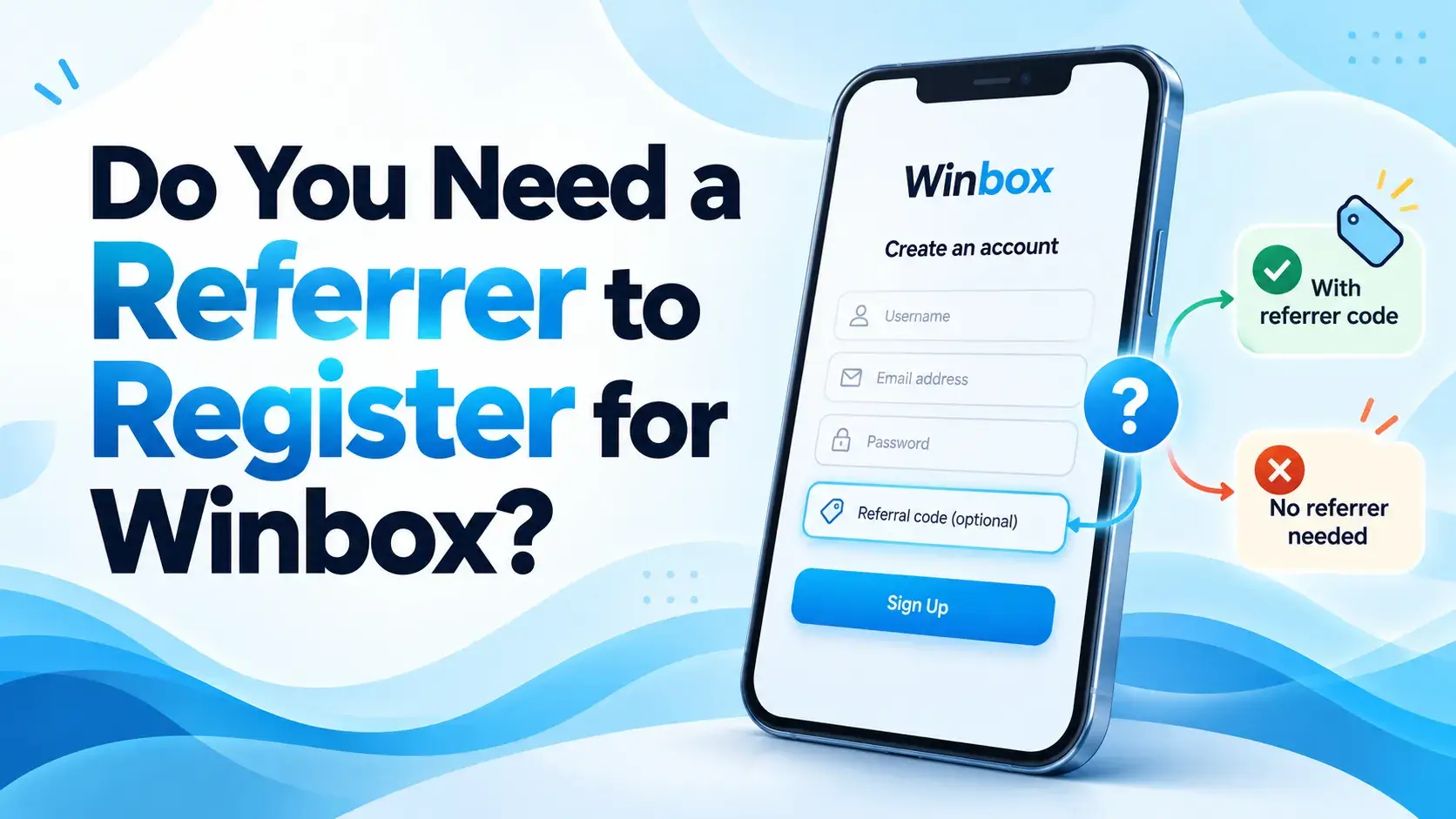
On the app's sign-in screen, tapping “Register new UID›” opens a New Account screen that asks for a referrer's UID or email before anything else, with the line “Please enter referrer's UID / Email for new registration”. The Winbox referral page walks through those exact screens in order; this article covers the shorter question of what the field is and whether you need it.
Is it actually required?
This is the part worth being direct about: the screens don't say what a referral changes for the new account, and they don't show what happens after tapping Next on the New Account screen. Whether the field can be left blank, and what happens if it is, isn't established by anything this site has reviewed.
Where a referrer UID actually comes from
A referrer isn't something you make up — it's the UID or email of an existing account, supplied by whoever is doing the referring. There are two ways the screen accepts it: scanning a QR code on another screen, or choosing “Enter referrer manual” and typing a UID in by hand.
If you don't have one from anyone, the referral page documents one example UID and its QR code, shown exactly as supplied, purely to show what the field accepts and what a QR code for it looks like.
A referrer isn't a promotion
Nothing on the screens this site has seen ties a bonus, reward or commission to having a referrer. A referrer and a promotion are two separate things — if you're looking for an actual offer with its terms, that's covered on the Winbox promotions page, not here.
This is the app's flow, not necessarily the browser's
The referrer screens described here come from the installed app's registration flow. Registering in a browser instead uses a different form, which isn't the flow this covers — if you haven't decided between the app and the browser (H5) yet, Winbox App or Browser (H5)? What's Different and How to Choose compares the two.
If you're starting from the app and haven't installed it yet, that's a separate step covered by downloading the Winbox APK.
Already have an account, or starting fresh?
The New Account screen is specifically for new registration. If you already have an account, this doesn't apply to you at all — log in to Winbox instead of going through any of this.
If you don't have one yet and want to get started, Winbox sign-up covers account creation itself, separately from anything about a referrer.
Making sure the request is genuine
A referrer UID is typed into the app's own New Account screen, not into a message from someone else, and this site's own example UID is shown for reference, not promoted as something to share around. If you're ever unsure whether a screen or message asking for account details is genuinely Winbox's own, Is That Really Winbox? How to Spot a Fake Site or App covers general ways to check.
What this site doesn't know
To list the gaps plainly rather than fill them with a guess: what a referral changes for the new account, whether any bonus or reward is attached to one, what happens after tapping Next on the New Account screen, and what the Album option on the scan screen opens are not shown on anything this site has reviewed.
What this article is based on
Every claim here traces back to the same screens documented on this site's own referral page — nothing new has been added, and the gaps in that page are kept as gaps here too, not filled in with a guess.
Where to go next
For the rest of what this site covers, from game categories to the deposit and withdrawal tutorials, start from winboxmysia.com.
Quick questions
Do I have to enter a referrer to register for Winbox?
This site can't say for certain. The screens ask for a referrer's UID or email but don't show what happens if the field is left blank, so this article doesn't guess at an answer.
What is a Winbox referrer UID?
It's the UID or email of an existing account, entered on the New Account screen either by typing it in or by scanning a QR code. It isn't something you make up yourself.
Do I get a bonus for using a referrer?
Nothing on the screens this site has reviewed ties a reward to having a referrer. A referrer and a promotion are separate things, and any actual offers are documented separately with their own terms.
Is the referral screen the same in the app and the browser?
No. The screens described here are from the app's registration flow; registering in a browser uses a different form that isn't covered by this article.
What if I already have a Winbox account?
The referrer screen is for new registration only — if you already have an account, you'd log in instead, not go through any of this.