
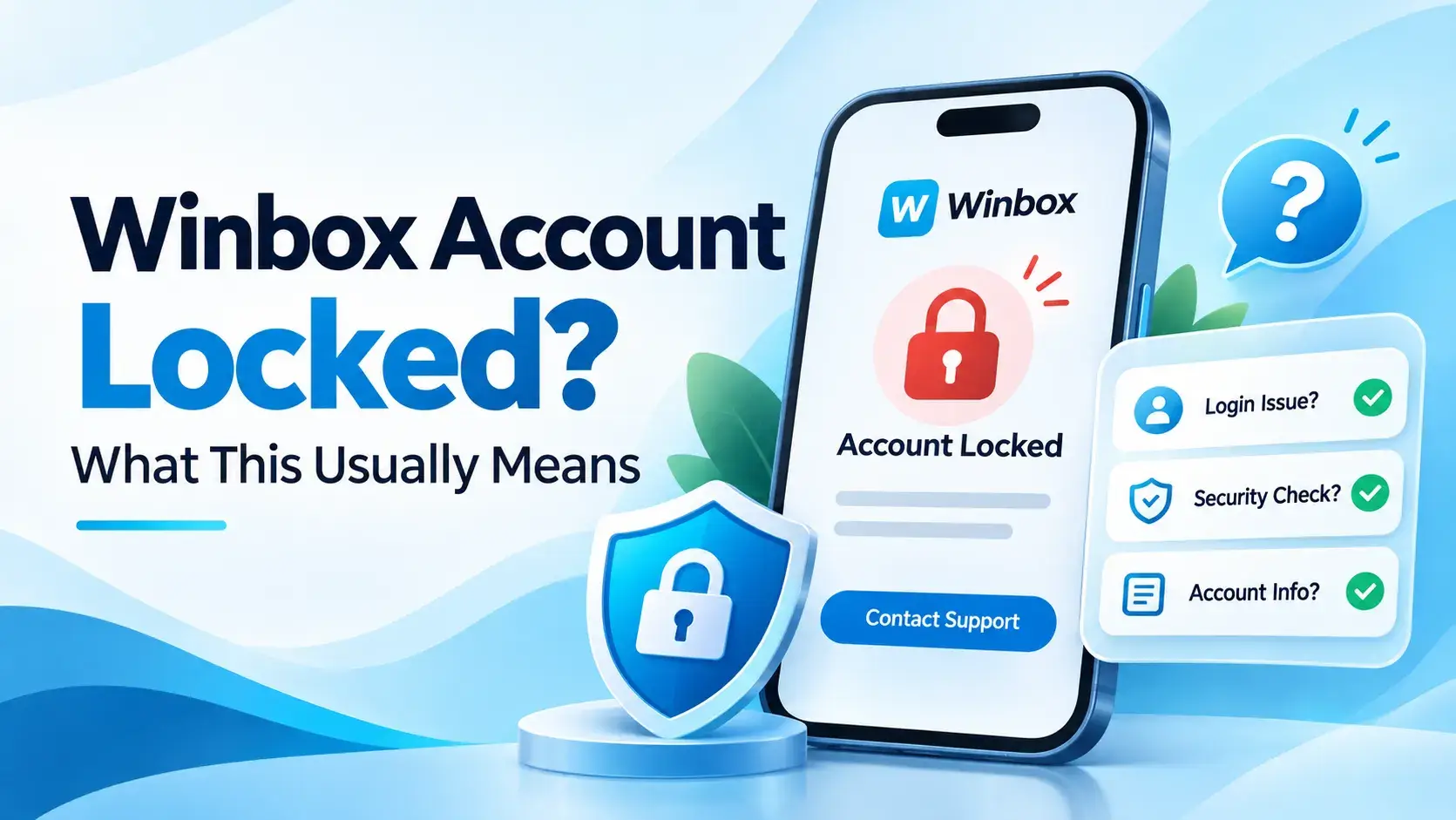
What "locked" usually looks like
A locked or suspended account typically shows its own message on screen rather than the generic failed-login behaviour — the app or site tells you access has been restricted, rather than just rejecting whatever you type. If what you're actually seeing is a rejected password with no such message, that's a different, more common situation — Forgot Your Winbox Password? What to Do covers that case instead.
It's worth reading whatever message the screen actually shows carefully, since it's the most specific information available about what's happening — more specific than anything a general guide like this one can offer.
Why accounts commonly get locked, in general
Across apps and websites in general, a handful of patterns commonly trigger an automatic lock: too many failed login attempts in a row, a sign-in attempt from a device or location the account hasn't used before, or an account left inactive for a long stretch. These are well-established, general security practices used broadly across login systems — not a claim about which of these, if any, applies to Winbox specifically.
Locked isn't the same as mid-verification
Identity verification — shown in the app as Real-Name Authentication — is a separate process from an account lock, and this site doesn't connect the two. If you're in the middle of that process rather than seeing a lock message specifically, the Winbox real-name authentication page walks through what that screen actually asks for, without assuming it has anything to do with access being restricted.
What this site hasn't confirmed
To list the gaps plainly: what specifically triggers a lock or suspension on a Winbox account, how long one typically lasts, what the exact recovery steps are, and whether a lock is ever connected to identity verification are not established by anything this site has reviewed. None of it is guessed at here.
What's actually worth doing
Beyond reading the on-screen message carefully, the most useful next step is going through a support channel you already trust, rather than guessing at a fix yourself. Getting Help with Winbox: Where to Go for What sorts out which kind of problem goes where, which matters here since an account-specific lock isn't something a general checklist can resolve.
- Read the exact message on screen — it's more specific than anything in this article.
- Use a support channel you already know, not a link from an unexpected message.
- Avoid repeatedly retrying the same credentials, since that's one of the general triggers described above.
Does it matter if you're in the app or the browser?
A lock on the account itself isn't tied to which access route you're using — it would behave the same whether you're signing back into Winbox through the installed app or the browser. If you haven't installed the app and were considering it, getting the Winbox app is a separate decision from anything about an account lock.
Don't have an account yet?
An account lock only applies to an account that already exists. If you haven't signed up yet, setting up a Winbox account is a different process entirely, separate from anything in this article.
What this article is based on
The general security patterns described here are well-established knowledge about how login systems commonly behave across apps, not something specific to Winbox. The verification-versus-lock distinction reuses this site's own real-name-authentication page. Nothing about Winbox's specific lock triggers or recovery process is described, because this site hasn't verified it.
Where to go next
Once access is sorted out, everything else on Winbox MY covers game categories, tutorials, and the rest of this site's guides.
Quick questions
What's the difference between a locked account and a rejected password?
A locked or suspended account usually shows its own on-screen message, rather than just failing silently the way a mistyped password does. If there's no such message, it's more likely a password issue.
Why do accounts get locked in general?
Across apps broadly, common triggers include too many failed login attempts, a sign-in from an unfamiliar device, or long inactivity. This site hasn't confirmed which of these apply to Winbox specifically.
Does identity verification cause an account to be locked?
This site doesn't connect the two. Real-name authentication is a separate, already-documented process, and nothing here assumes it causes a lock.
Does this article explain how to unlock a Winbox account?
No. This site hasn't verified Winbox's specific recovery steps, so it doesn't guess at them — that has to go through the account's own support process.
Does it matter if I'm using the app or the browser?
No — an account-level lock behaves the same either way, regardless of which access route you use.